> For the complete documentation index, see [llms.txt](https://docs.heypoplar.com/llms.txt). Markdown versions of documentation pages are available by appending `.md` to page URLs; this page is available as [Markdown](https://docs.heypoplar.com/getting-started/audiences.md).
# Audiences
Store your mailing and/or suppression lists easily in one place.
The Audiences page provides an easy way to store addresses for mailing and suppression. This is especially helpful if you want to suppress a list for an individual campaign, separate from the global Do Not Mail List. Upload a CSV file comprised of either mailing addresses, or email addresses if you opt to use the address enrichment feature.
## Required Fields
Below is an example of the required and optional fields for full address data, and emails for address enrichment. The column headers don't need to match perfectly as you'll be prompted to map the required headers upon upload, and ignore any irrelevant columns that may be present in your file.
{% hint style="info" %}
**Suppressions** are matched against either address OR email, so if you are running campaigns using [Address Enrichment](/getting-started/audiences/address-enrichment.md), a list of emails can be used for suppression.
{% endhint %}
### **Mailing Address Data**
Custom **merge tag** columns can be stored for creative, we recommend downloading your creative's CSV [Data Guide](/getting-started/campaign-setup/creative.md#data-guides) for a quick, easy and accurate file template.
| full\_name |
required max character count: 40
|
| ------------ | --------------------------------------------------------------------- |
| company | *optional* |
| address\_1 | **required** |
| address\_2 | *optional* |
| city | **required** |
| state | **required** |
| postal\_code | **required** |
| email | *optional* |
| identifier | *optional* |
### **Emails for Address Enrichment**
| email | **required** |
| ---------- | ------------ |
| full\_name | *optional* |
| identifier | *optional* |
### Merge Tag Columns
When uploading an audience file that contains extra columns with merge tag data, map any and all of those columns as **Merge Tag**:
In the [One Time Send](/platform-basics/one-time-sends.md) flow during launch, you'll have the option to map these values to their respective merge tags.
## Do Not Mail List
Maintain your Do Not Mail list by manually uploading a CSV list or integrating with our [Do Not Mail API](/api/endpoints/do-not-mail.md). Members of this list are **automatically suppressed across all campaigns.**
## Customers (Orders API)
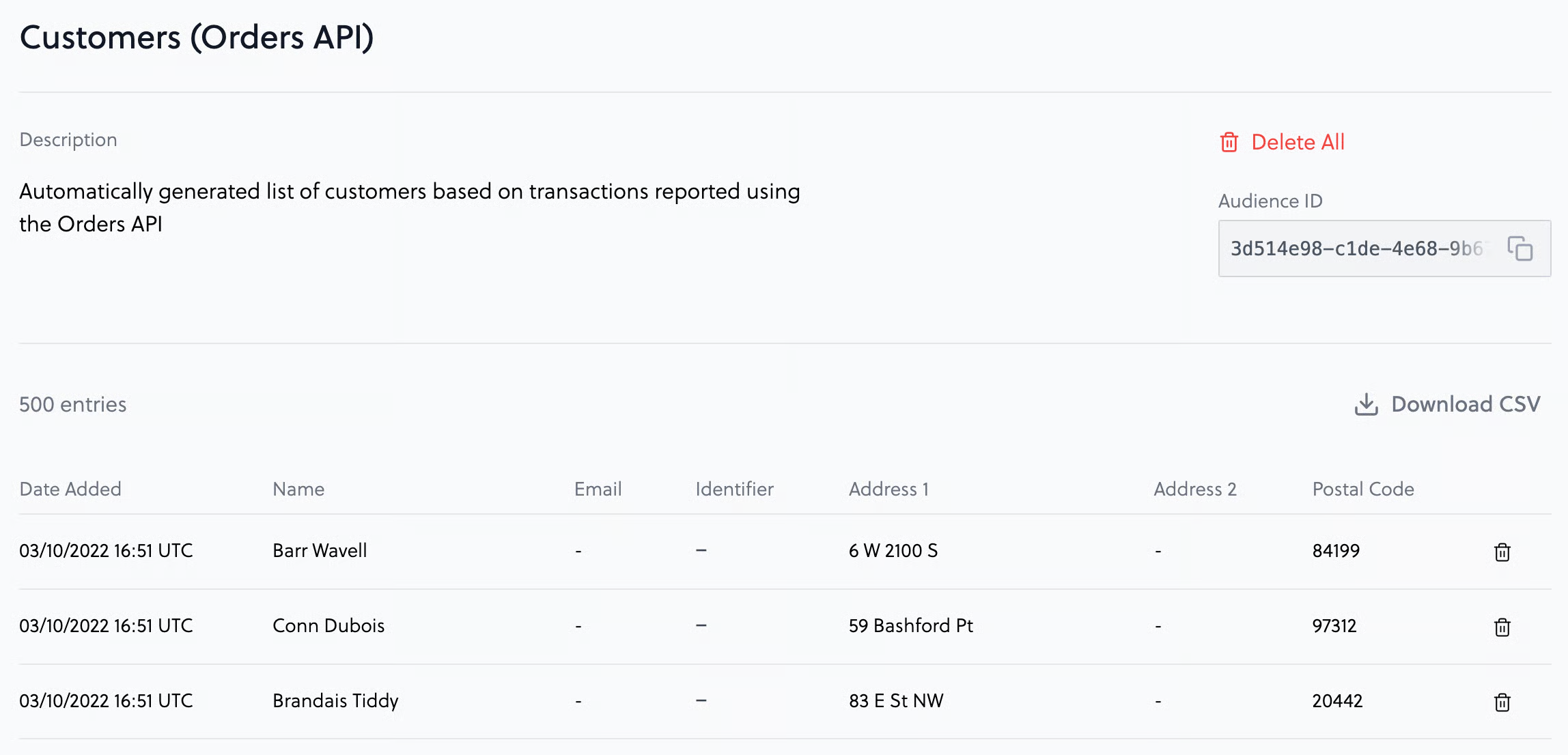
If you're sharing transactional data with Poplar via [Shopify](https://apps.shopify.com/poplar-1) or integration with our [Orders API](/api/endpoints/orders.md)**,** a list of all your customers will automatically populate this audience which can be optionally selected if you'd like to suppress customers who've already purchased.
{% hint style="warning" %}
If you notice duplicate addresses in the list, this is because both **shipping** and **billing** address are captured through Shopify.
{% endhint %}
## File Upload
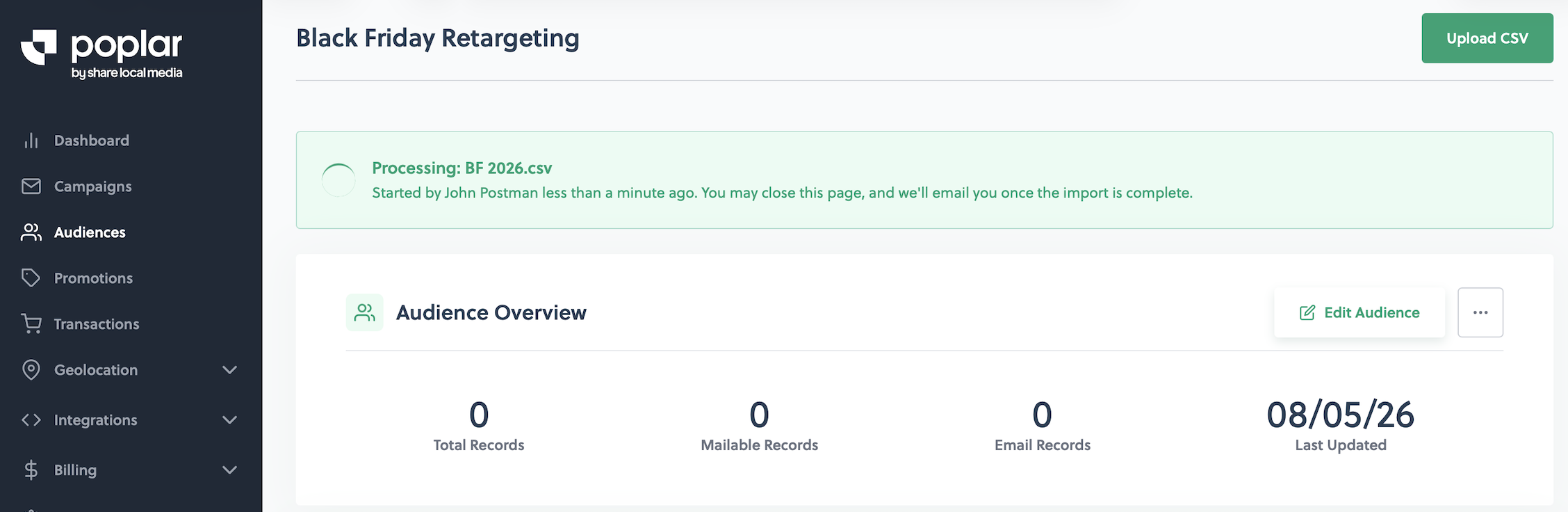
The platform is built to handle file sizes up to **250MB** for both Audiences and Transactional uploads. After mapping and submitting your file, depending on the size you could see it queued or processing and upon completion you'll receive a success email. If there are any formatting errors you'll see the option to download an Error Report (also arrives via email):
{% tabs %}
{% tab title="Uploaded" %}
{% endtab %}
{% tab title="Queued" %}
{% endtab %}
{% tab title="Processing" %}
{% endtab %}
{% tab title="Error Report" %}
{% endtab %}
{% endtabs %}
### Error Report
This file will contain the reason the row was rejected with the corresponding line in your file so it is easy to find.
### Invalid Addresses
Even if you don't have any formatting errors and you receive an email saying 100% of your records uploaded successfully, your audience could still contain Invalid Addresses flagged by USPS. Invalid Addresses would include invalid city/zip code combination, missing secondary information such as Apartment or Unit number, USPS has marked the address inactive, etc.
{% hint style="warning" %}
We do NOT recommend Google Maps as a valid source to verify invalid addresses, as their data is not linked to the USPS database.
{% endhint %}
---
# Agent Instructions
This documentation is published with GitBook. GitBook is the documentation platform designed so that both humans and AI agents can read, navigate, and reason over technical content effectively. Learn more at gitbook.com.
## Querying This Documentation
If you need additional information that is not directly available in this page, you can query the documentation by asking a question.
Perform an HTTP GET request on the following URL with the `ask` and `goal` query parameters:
```
GET https://docs.heypoplar.com/getting-started/audiences.md?ask=&goal=
```
`ask` is the immediate question: it should be specific, self-contained, and written in natural language.
`goal` is what the user is ultimately trying to achieve, the reason they need the answer. Sharing it helps GitBook give you a better, more relevant answer. A goal is most helpful when it describes the outcome the user wants rather than restating the question. For example, with `ask=how do I create an API token`, a goal like `automate deployments from our CI pipeline` lets GitBook tailor the answer to that use case.
The response will contain a direct answer to the question and relevant excerpts and sources from the documentation.
Use this mechanism when the answer is not explicitly present in the current page, you need clarification or additional context, or you want to retrieve related documentation sections.