> For the complete documentation index, see [llms.txt](https://docs.heypoplar.com/llms.txt). Markdown versions of documentation pages are available by appending `.md` to page URLs; this page is available as [Markdown](https://docs.heypoplar.com/platform-basics/one-time-sends.md).
# One Time Sends
Launch to an Audience list or to a segment in a connected app - in minutes!
Once your campaign has been created, creative files uploaded and a credit card is on file for your account, you can launch your mailing via One Time Send. At any point in the flow, you'll see the option to Save the send as a draft if you need to revisit the launch process. One Time Sends can also be scheduled for a future date. Before initiating, make sure your campaign is **Active** - if your campaign is Paused you will not be able to launch.
{% hint style="info" %}
Multiple One Time Sends can be launched under a single campaign, this is important to keep in mind so as not to overcrowd your account with duplicate or similar campaigns unnecessarily.
{% endhint %}
## New One Time Send
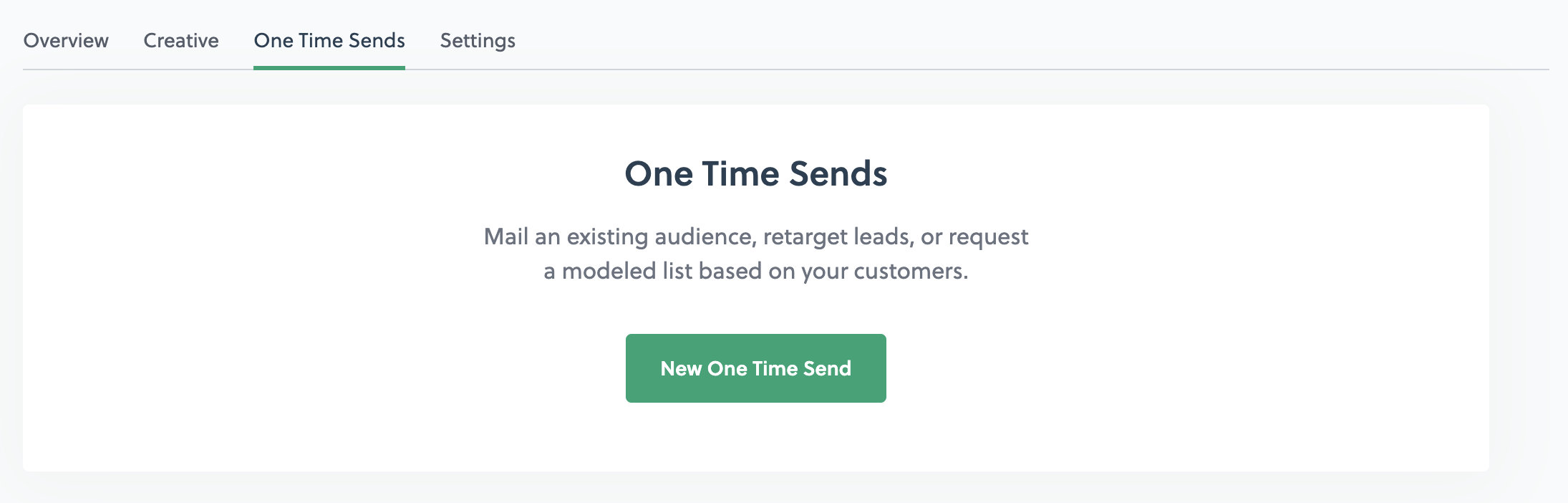
Click into the **Campaign** you'd like to launch, navigate to **One Time Sends** tab and click **New One Time Send**.
{% stepper %}
{% step %}
### Choose Recipients
Name your One Time Send (*optional*) something reflective of the use case for easy record keeping. The select if you'd like send to:
* **Existing Audience:** Select an existing audience or upload a new one.
* **Build a Model:** Build a [Lookalike Prospecting](/platform-basics/lookalike-prospecting.md) list based on a list of existing customers.
* **Build a Mail Plan:** Select an audience containing test cell identifiers.
* **External Audience:** Choose a list or segment from an Integration such as [Klaviyo](/integrations/supported-platforms/klaviyo.md).
{% hint style="info" %}
The following steps continue through the **Existing Audience** flow. For instructions on Build a Model please see [Lookalike Prospecting.](broken://pages/xkYVo50vhNdXwCCWIRjl)
{% endhint %}
{% endstep %}
{% step %}
### Audience Setup
In this step you'll see a breakdown of the number of mailable records based on the selected [Address Strictness](/getting-started/audiences/address-validation.md#address-strictness) setting, and options for [NCOA](/getting-started/audiences/address-validation.md#national-change-of-address-ncoa-forwarding) address forwarding.
{% endstep %}
{% step %}
### Select Creative
Choose which creative you'd like to send to your list. If [A/B testing](/getting-started/campaign-setup/creative.md#a-b-testing), make sure to select **multiple** creatives.
{% endstep %}
{% step %}
### Options
Here you can set budget limitations, schedule the date of your send, and choose whether to enable a [Holdout](/getting-started/campaign-setup.md#holdout).
{% hint style="warning" %}
A **Holdout** group is required to calculate **incremental lift** and other lift metrics for the campaign. We recommend that at least 1,000 recipients fall in the holdout to get an accurate read on numbers.
{% endhint %}
{% endstep %}
{% step %}
### Creative Proofs
Make sure your creative files looks good:
* No important text is being hidden by the address block.
* Use the flip and rotate buttons to ensure everything is aligned as expected.
* All merge tags are mapping without errors.
{% endstep %}
{% step %}
### Review & Launch!
Review all selections including Audience selected, send settings, Estimated Timeline, Mailing Cost, and creative settings before hitting **Submit.**
{% endstep %}
{% endstepper %}
## Overview
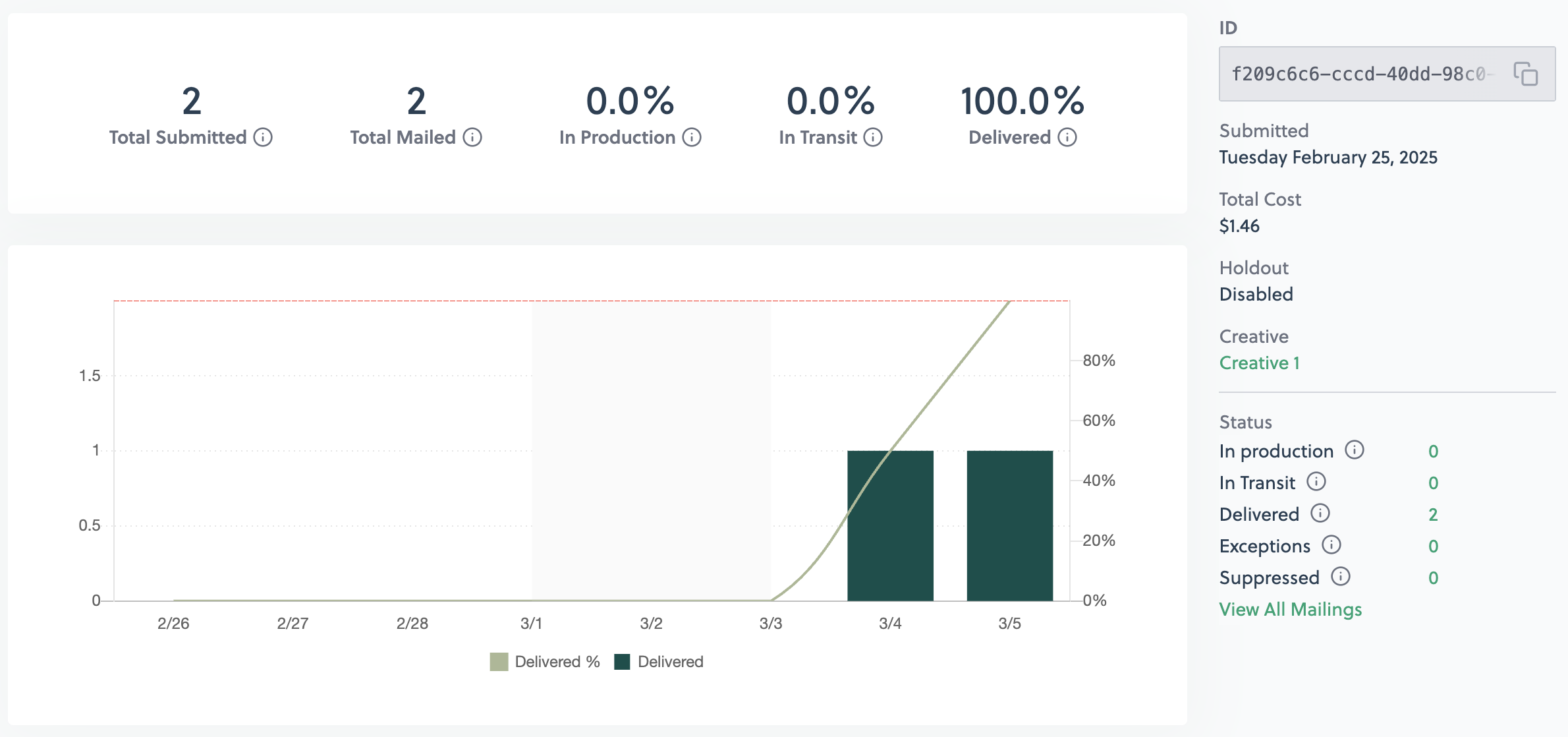
The One Time Sends tab also shows a list of sends launched, or in draft mode, under the selected campaign.
Click into a send to see a breakdown of all mailing statuses as well as total submitted, total cost, and date submitted.
---
# Agent Instructions
This documentation is published with GitBook. GitBook is the documentation platform designed so that both humans and AI agents can read, navigate, and reason over technical content effectively. Learn more at gitbook.com.
## Querying This Documentation
If you need additional information that is not directly available in this page, you can query the documentation by asking a question.
Perform an HTTP GET request on the following URL with the `ask` and `goal` query parameters:
```
GET https://docs.heypoplar.com/platform-basics/one-time-sends.md?ask=&goal=
```
`ask` is the immediate question: it should be specific, self-contained, and written in natural language.
`goal` is what the user is ultimately trying to achieve, the reason they need the answer. Sharing it helps GitBook give you a better, more relevant answer. A goal is most helpful when it describes the outcome the user wants rather than restating the question. For example, with `ask=how do I create an API token`, a goal like `automate deployments from our CI pipeline` lets GitBook tailor the answer to that use case.
The response will contain a direct answer to the question and relevant excerpts and sources from the documentation.
Use this mechanism when the answer is not explicitly present in the current page, you need clarification or additional context, or you want to retrieve related documentation sections.